
TL;DR
Prebuilt AI workstations are often more affordable and reliable than building your own, thanks to component shortages and bulk buying. However, building offers unmatched customization and control. Your choice depends on your need for speed, support, and specific performance tweaks.
Imagine this: you’re ready to jump into AI work, but the choices are overwhelming. Build your own, or buy a ready-made system? The answer isn’t as clear as it used to be. The debate over building vs buying AI workstations continues to evolve. In 2026, the landscape has shifted. Building a machine used to be cheaper—no longer.
Component shortages and skyrocketing prices have made prebuilt AI workstations surprisingly competitive, sometimes even cheaper. Learn more about the build vs buy decision. This shift changes the game, especially when considering the broader context of tech choices. Now, your decision depends on more than just cost. It’s about speed, support, customization, and how much time you want to spend fine-tuning your system.
Build vs buy
an AI workstation.
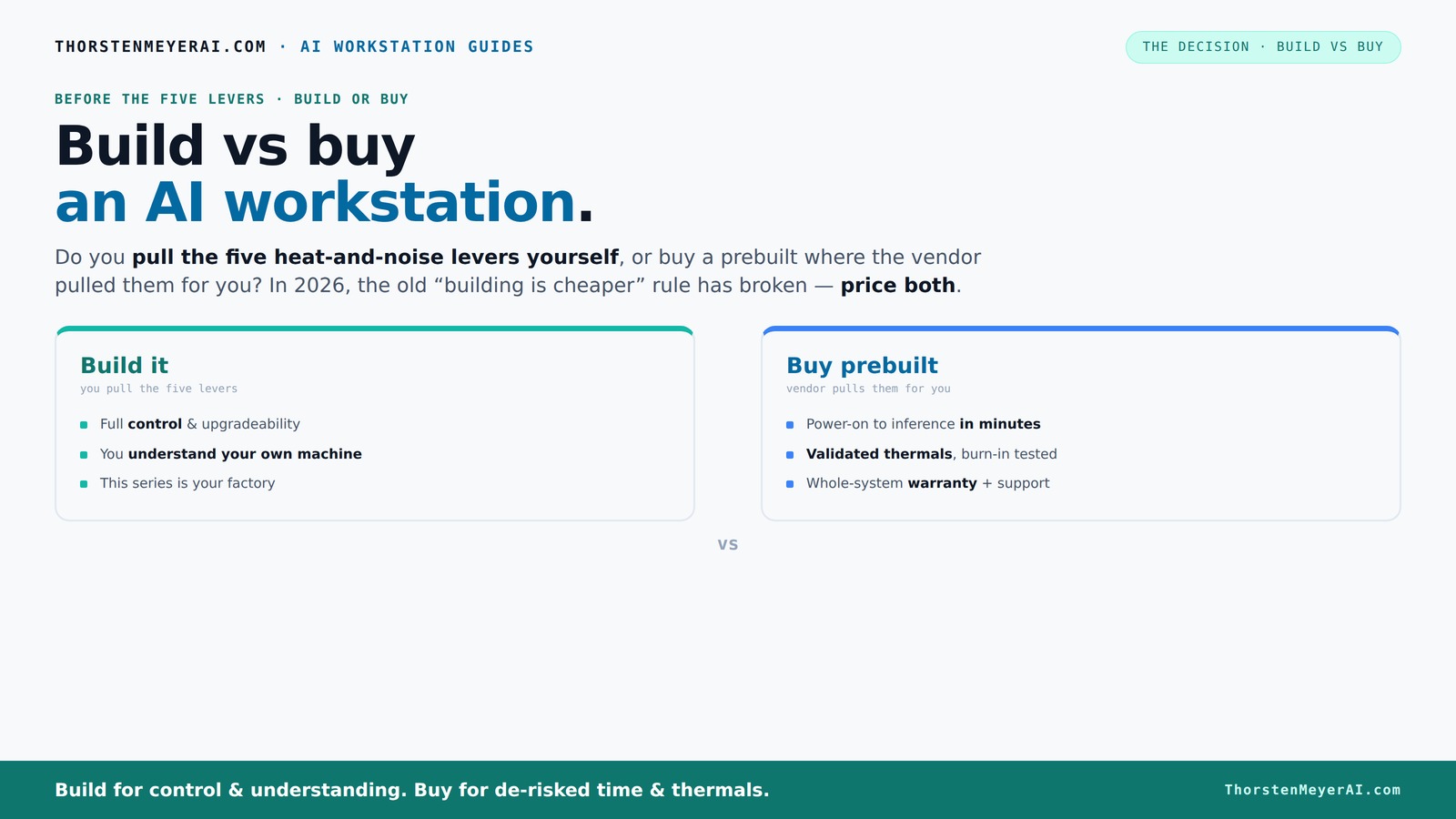
The real question behind this whole series: do you pull the five heat-and-noise levers yourself, or buy a prebuilt where the vendor pulled them for you? And in 2026, the old “building is cheaper” rule has broken. Match your situation in Part 3.
Key Takeaways
- The old rule that building is always cheaper no longer holds—component shortages and bulk buying have leveled the playing field.
- Prebuilt AI workstations save time, reduce risk, and often include validated thermals and warranties, making them attractive for business use.
- Building offers unmatched customization, upgradeability, and the satisfaction of tuning your system for specific workloads.
- In 2026, consider your skill level, time, and performance needs before choosing—each option has its trade-offs.
- AI hardware features like NPUs and software optimization are increasingly tied to prebuilt systems, affecting performance and support.

Corsair AI Workstation 300 Desktop PC – AMD Ryzen AI Max 385 CPU – AMD Radeon 8050S iGPU (Up to 48GBs vRAM) – 64GB LPDDR5X 8000MHz Memory – 1TB M.2 SSD – Black
AI-Optimized Compact Workstation: Experience AI performance out of the box with the compact 4.4L form factor, built for...
As an affiliate, we earn on qualifying purchases.
As an affiliate, we earn on qualifying purchases.
Why 2026 Changes Everything About Building and Buying
In 2026, building your own AI workstation isn’t automatically cheaper. The AI boom has caused component shortages—think high-end GPUs and DDR5 RAM—that push prices sky-high for DIY parts. Meanwhile, prebuilt vendors bought bulk before prices soared, allowing them to offer systems that match or beat DIY prices.
For example, a custom build that used to cost around $1,000 now easily exceeds $1,250+ just for parts. Meanwhile, a system from a vendor like Lambda or Puget might set you back the same or less, with all the validation, testing, and support baked in.
Why does this matter? Because it shifts the traditional advantage of building—cost savings—into a more nuanced calculation. While DIY can still offer customization, the financial benefit is diminishing, and the time investment is significant. This means that for many, prebuilt systems now offer a more balanced tradeoff between cost, reliability, and convenience.

Skytech Gaming King 95 Desktop PC, Ryzen 7 9800X3D 4.7 GHz (5.2 GHz), NVIDIA RTX 5070 Ti 16GB, 1TB Gen4 NVMe SSD, 32GB DDR5 RAM 5600 RGB, 850W Gold ATX 3 PSU, 360mm ARGB AIO, Wi-Fi, Win 11
AMD Ryzen 7 9800X3D 4.7GHz (5.2GHz Turbo Boost) CPU Processor | 1TB Gen4 NVMe M.2 SSD – Up...
As an affiliate, we earn on qualifying purchases.
As an affiliate, we earn on qualifying purchases.
The Five Levers of Heat, Noise, and Performance — Who Controls Them?
The core question isn’t just about parts—it's about how you control heat, noise, and stability. Ergonomic considerations in building are also important for long-term comfort. These are the five levers: undervolting the GPU, matching the cooler, optimizing airflow, tuning fans, and placement.
Buy a prebuilt → the vendor pulls these levers for you, validating thermal performance before shipping. Build yourself → you take on the challenge, tuning every aspect to your needs.
Why does this matter? Because thermal management directly affects performance and longevity. A system that runs too hot or noisy can throttle performance and reduce hardware lifespan. Conversely, a well-tuned system—whether prebuilt or DIY—can deliver sustained high performance without compromise. For example, a prebuilt like BIZON tests systems under load, reducing noise and heat by up to 30%. DIYers can achieve similar results but need to learn the tricks—like choosing a quiet GPU or customizing fan curves. The tradeoff is complexity versus convenience: prebuilt systems offer tested solutions, while DIY allows tailored optimization for specific workloads.

WD_BLACK SN850X 2TB NVMe SSD - M.2 2280, Up to 7,300 MB/s Read speeds, Up to 6,300 MB/s write speeds, Gaming Expansion, High Performance Internal Solid State Drive - WDS200T2X0E
TRANFORM YOUR PC: Insane speeds up to 7,300MB/s (1TB - 4TB models) deliver top-tier performance with ridiculously short...
As an affiliate, we earn on qualifying purchases.
As an affiliate, we earn on qualifying purchases.
Prebuilt vs DIY: The Real Cost and Performance Tradeoff
| Aspect | Prebuilt | Build Yourself |
|---|---|---|
| Cost | Often higher upfront, but includes validation, support, and time saved. This comprehensive approach reduces hidden costs from troubleshooting and delays, which are common in DIY projects. | Potentially cheaper if you source parts well and do labor yourself, but often underestimated. Hidden costs like troubleshooting, compatibility issues, and additional time spent can erode savings. Consider the value of your time and expertise in this calculation. |
| Time to Deploy | Minutes to hours, with ready-to-run OS and software. The convenience means you can start training or inference almost immediately, which is critical in time-sensitive projects. | Days to weeks, depending on skill and parts sourcing. The process involves building, troubleshooting, and testing, which can delay project timelines and increase frustration for less experienced builders. |
| Reliability | Validated thermals, tested components, warranty support. This reduces the risk of hardware failure or thermal issues that can disrupt your workflow. | Depends on your skill; higher risk of incompatibility or thermal issues. Without rigorous testing, DIY systems may face stability problems, especially under sustained loads typical of AI workloads. |
| Customization | Limited to vendor options; some room for upgrades. Usually, prebuilt systems are less flexible but easier to configure for specific needs. | Full control over components, cooling, expandability. If you need specific hardware configurations or future upgrades, DIY offers the flexibility to adapt your system precisely. |
| Upgrade Path | Can be limited by proprietary parts, making future upgrades more complicated or costly. | Generally easier, with standard components and easier access, facilitating upgrades as your AI needs grow. |
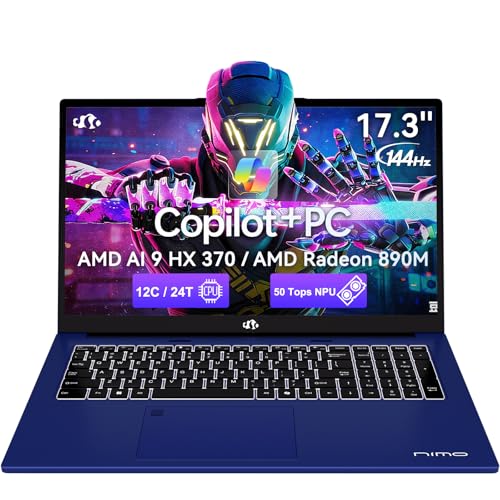
NIMO Copilot+ PC, 17.3 AI-Laptop, AMD Ryzen AI 9 HX 370(50 Tops NPU) Radeon 890M, 64GB DDR5 RAM 2TB SSD, 144Hz, PD 100W USB-C 4.0, Wi-Fi 6E AI Laptop for Mobile Workstation Programmer Business-Gaming
【Powerful AI Performance】The NIMO AI Laptop with AMD Ryzen AI 9 HX 370 and Radeon 890M graphics delivers...
As an affiliate, we earn on qualifying purchases.
As an affiliate, we earn on qualifying purchases.
When Is Building Your Own AI Workstation the Best Choice?
If you’re a hobbyist, researcher, or someone who enjoys tinkering, building can be the most rewarding. For example, you might want to fine-tune your system for specific AI workloads—like multi-GPU training or extensive memory configurations. Building allows you to select each component based on your unique needs, ensuring maximum performance for your specific tasks.
Building also makes sense if you want maximum control over thermals, noise, and power consumption. You can also explore customization options for AI workstations. It enables you to implement custom cooling solutions or undervolt components to optimize efficiency. Plus, if your budget is tight and you enjoy the process, sourcing parts from Amazon or Newegg and assembling your own can stretch your dollar further, especially when you can select budget-friendly yet high-performance parts.
Undervolting GPUs and customizing airflow can shave hundreds off your thermal footprint—if you’re willing to learn and experiment. This approach offers a deeper understanding of hardware behavior and can deliver tailored performance gains, but it requires time and technical skill.
When Does Buying a Prebuilt Save You the Most Hassle?
If your time is valuable, or you need a system up and running fast, prebuilt is the way to go. For example, a machine from Lambda arrives ready with CUDA, TensorFlow, and Docker pre-installed—just power on and start training.
Prebuilts also reduce risks: validated thermals, professional support, and warranty coverage help you avoid the pitfalls of incompatible or poorly cooled systems. For busy professionals, this can be worth the extra cost. The convenience means less troubleshooting and more time focusing on your AI models.
And with multi-GPU systems, vendors like Puget test extensively to ensure stability, saving you countless hours of troubleshooting and configuration. This meticulous testing ensures that your system maintains performance under load, which is critical for large-scale AI training or inference workloads.
What About Upgradeability and Long-Term Flexibility?
Building your own machine generally offers better upgrade paths. You can pick standard components, add more RAM, swap out GPUs, or expand storage easily. For example, a DIY system with a standard ATX case and modular PSU makes future upgrades straightforward, allowing you to adapt your system as your AI workloads evolve.
Prebuilt systems sometimes use proprietary parts or connectors, which can limit upgrade options and complicate future expansions. Checking the vendor’s specifications and upgrade policies before purchase is essential if you anticipate needing to upgrade or expand your system later. In the AI landscape, where hardware requirements can shift rapidly, having a flexible upgrade path can significantly extend the lifespan and utility of your investment.
AI Hardware & Software: Do Prebuilts Offer Better Support?
Prebuilt AI workstations often come with validated hardware, pre-installed AI software stacks, and support tailored to AI workloads. Vendors like Lambda optimize for AI features, including NPUs and software that run more efficiently on certified systems. This integrated approach ensures compatibility and maximizes performance out of the box, reducing setup time and troubleshooting.
Building your own means you’re responsible for compatibility and tuning—though you gain the freedom to choose your preferred components and software. Support is more fragmented, often requiring coordination across multiple manufacturers, which can complicate troubleshooting. However, this approach offers maximum customization for specific software or hardware preferences.
For example, a prebuilt system might include a 5-year warranty and dedicated AI support, which can be critical for enterprise deployments or time-sensitive research projects. The integrated support ecosystem reduces downtime and accelerates problem resolution, making it a safer choice for mission-critical applications.
Frequently Asked Questions
Is a prebuilt AI workstation worth it?
Yes, especially if you value quick setup, validated thermals, and professional support. It reduces troubleshooting time and gets you training or inference faster.Is building cheaper than buying a prebuilt?
Not always in 2026. Component shortages and bulk buying have pushed prebuilt prices down, sometimes below DIY costs for comparable specs.What performance do I lose or gain with each option?
Prebuilts often come with optimized thermals and stability, which can mean better sustained performance. Building allows for custom tweaks but requires skill to achieve similar results.How much RAM and VRAM do I need for AI work?
For most AI workloads, 32GB RAM is a sweet spot, and VRAM depends on your models—16-24GB VRAM handles large models well, but always size up for future needs.Will a prebuilt limit my upgrade options?
It can, especially if proprietary parts are used. Check upgrade paths before buying, but generally, DIY systems offer more flexibility for expanding or swapping components.Conclusion
Deciding whether to build or buy your AI workstation isn’t just about dollars anymore. It’s about your priorities—speed, control, support, or a mix of all three. If time and support matter, a prebuilt cuts through the chaos.
But if you crave control and customization, building remains a powerful option. Either way, the AI boom makes this choice more nuanced—and more exciting—than ever. Choose what fits your workflow, and don’t forget: the right system makes all the difference in turning your AI ideas into reality.